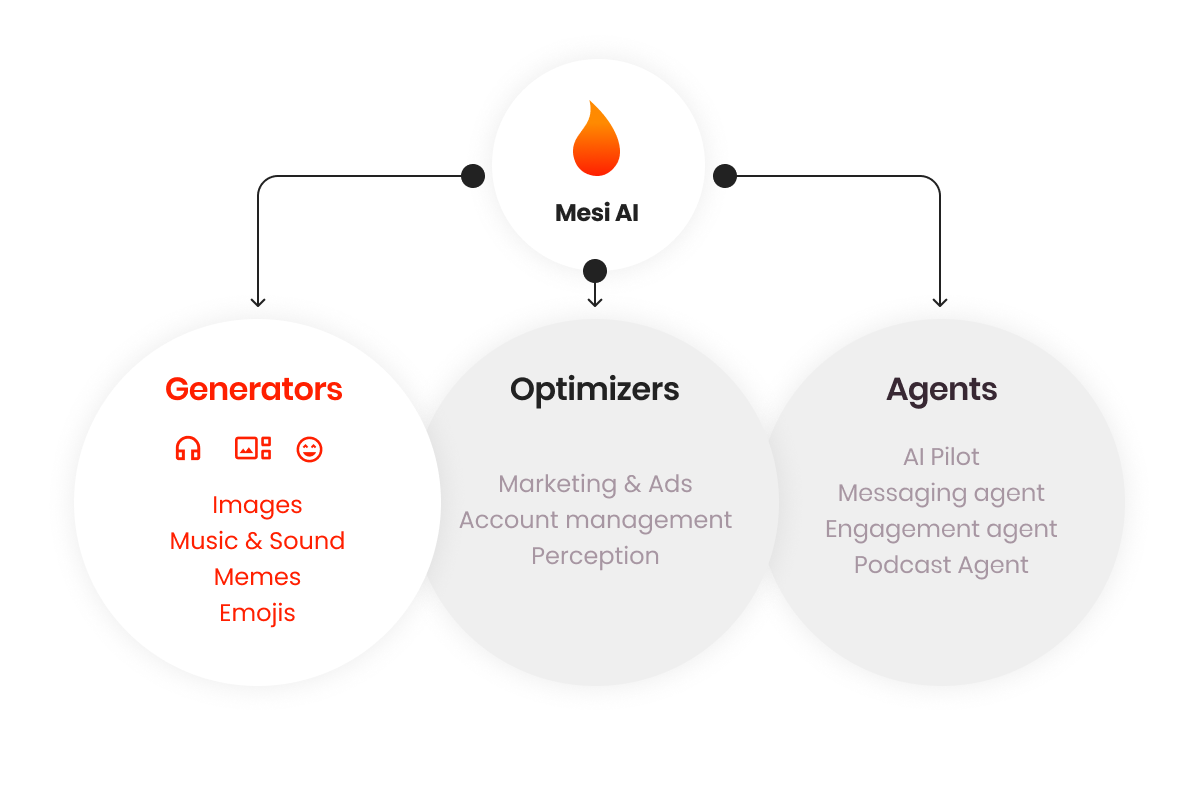
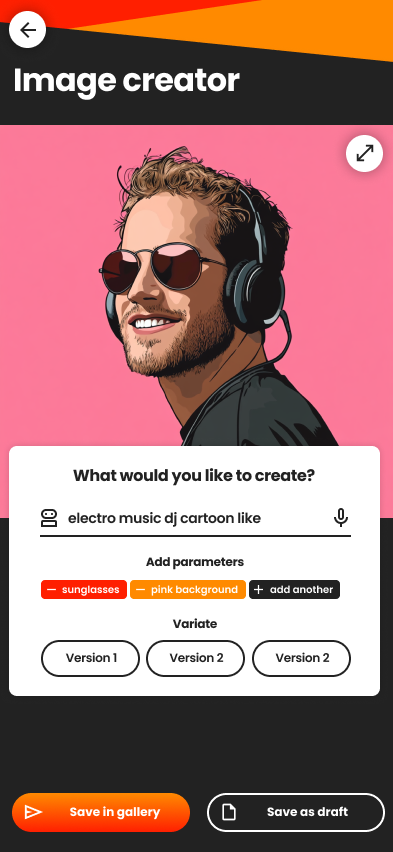
Image Creator
Generate high-fidelity visuals using voice, text, or reference images from your gallery.Key Capabilities
- Prompt-to-Image: Create visuals from descriptive voice or text prompts.
- Image-to-Image: Use existing photos to influence the pose, style, or composition of a new generation.
- Advanced Editing: Swap backgrounds, refine facial features, modify outfits, or apply complex artistic filters (e.g., “Game of Thrones style”).

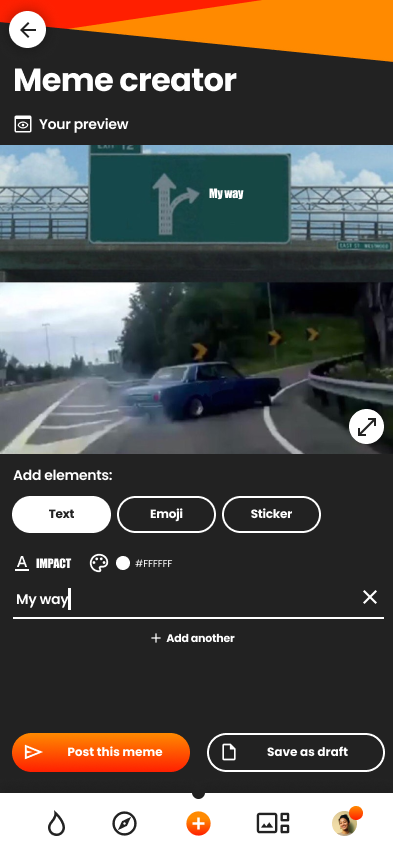
Emojis & Memes Creator
Create custom social assets to engage your community. You can generate content by:- Describing the humor or vibe via text/voice.
- Uploading personal photos to turn into personalized stickers.
- Modifying existing viral meme templates.


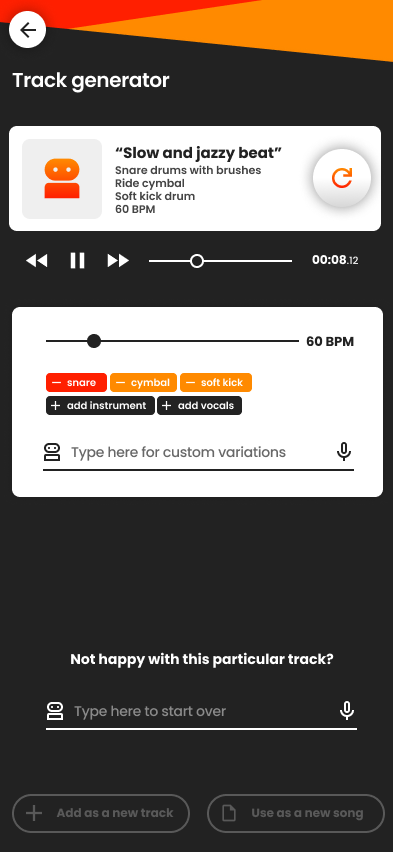
Music Creator
The Music Creator is a powerful workstation that integrates with the Mesi Sound Clips Library. It is designed for both beginners and professional artists.Core Features
AI Composition
Describe a style or mood to generate full tracks or specific instrumental layers.
Visual Scoring
Upload a photo, and the AI will compose a track inspired by the mood and visuals of the image.
Vocal Engineering
Add harmonies, correct pitch, and apply professional studio effects to vocal tracks.
Smart Mixing
Let the AI analyze your project to polish the final mix and master the track.
Drum/Chord Gen
Automatically generate drum patterns and chord progressions based on your genre.
Pro Export
Export your work as high-quality WAV/MP3 files or as individual stems for further editing.
.png?fit=max&auto=format&n=H4xAASJreuQUVmZJ&q=85&s=f5614cf435cb8bcf4203ad1633fe8d44)
The Mesi Music Workstation
Example Use Case: > Susan uploads a photo of a “calm mountain view” and prompts the AI for “serene, soft winds.” The tool generates a 1-hour ambient track, which Susan then uploads to Mesi as a Music NFT titled “Relaxing Mountain Sound.”
Sound Clip Creator
Generate short, high-quality audio samples and foley for your productions or the community library.- Environmental: Falling rocks, singing birds, wind, or engines.
- Musical: Bass beats, synth stabs, and specific frequency waves.
- Foley: Custom audio effects tailored to your video content.